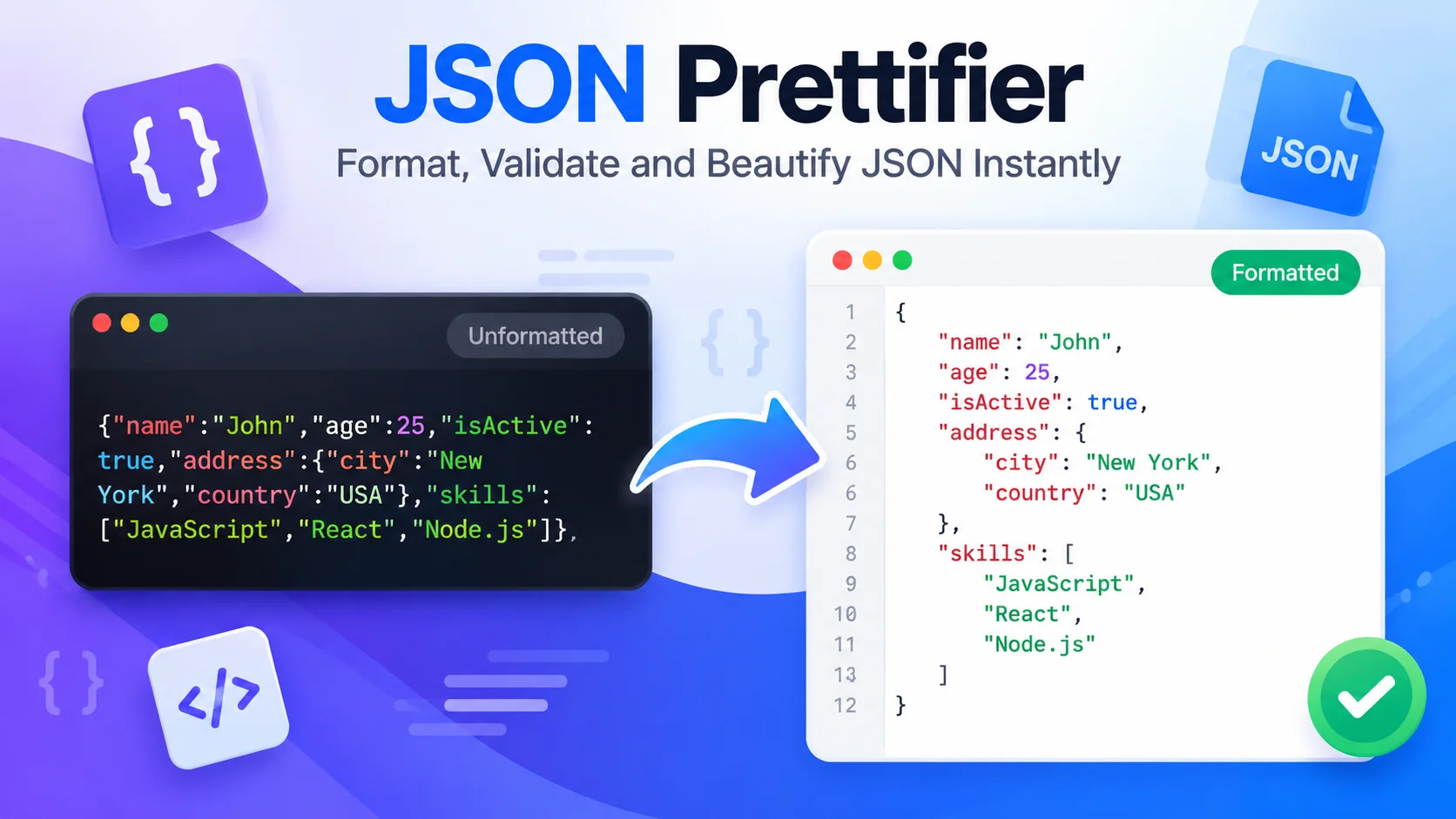
JSON is a lightweight text format used to represent data in a way that is easy for applications to exchange and process. You will see it in API responses, configuration files, web applications and test fixtures. Learning to read a JSON file starts with understanding objects, arrays, keys and values.
If an example is difficult to read because everything is on one line, use the GetConvertor JSON Prettifier to pretty print it and inspect the structure.
What is a JSON file?
A JSON file is a plain-text file that stores data using JavaScript Object Notation. It commonly uses the .json extension. Unlike a document format, it stores structured values rather than page layout. A JSON file can be opened in a code editor or processed by software that supports JSON.
Example 1: A simple JSON object
{
  "name": "Avery",
  "role": "developer",
  "active": true
}
This object contains three properties: a string, another string and a boolean.
Example 2: JSON with an array
{
  "project": "Website",
  "tags": ["frontend", "api", "testing"]
}
An array is an ordered list of values. Arrays can contain strings, numbers, objects or other arrays.
Example 3: Nested JSON object
{
  "user": {
    "name": "Avery",
    "address": {
      "city": "Bengaluru",
      "country": "India"
    }
  }
}
Nested objects help represent relationships and grouped information. Indentation makes the hierarchy easier to understand.
JSON values and syntax rules
JSON supports strings, numbers, objects, arrays, true, false and null. Property names and strings must use double quotes. Standard JSON does not support comments, trailing commas, undefined or functions. A single missing comma or mismatched bracket can make the complete document invalid.
What is dummy JSON?
Dummy JSON is sample data used during development, demonstrations and testing. It allows a team to build a screen or test an API before real records are available. Use fictional names and non-sensitive values, and never copy real customer data or credentials into public examples.
Writing a prompt to generate JSON
When asking an AI assistant to produce JSON, specify the exact fields, expected types, whether fields are required, allowed values and whether the output must contain JSON only. For example: “Return one JSON object with name as a string, age as an integer and active as a boolean. Use double quotes and return no Markdown fences.” Always validate generated output before using it.
Format and inspect JSON examples
Paste an example into the GetConvertor JSON Prettifier to make it readable. This is useful for learning, debugging, reviewing test fixtures and checking nested structures. Formatting improves readability, while a parser checks syntax.
Frequently asked questions
How do I open a JSON file?
Open it with a text editor, code editor or application that understands JSON. It is plain text, so a specialized program is not always required.
Can JSON contain comments?
Standard JSON does not allow comments. Some configuration formats add extensions, but those files are not strict JSON.
What is the difference between an object and an array?
An object stores named properties; an array stores an ordered list of values.