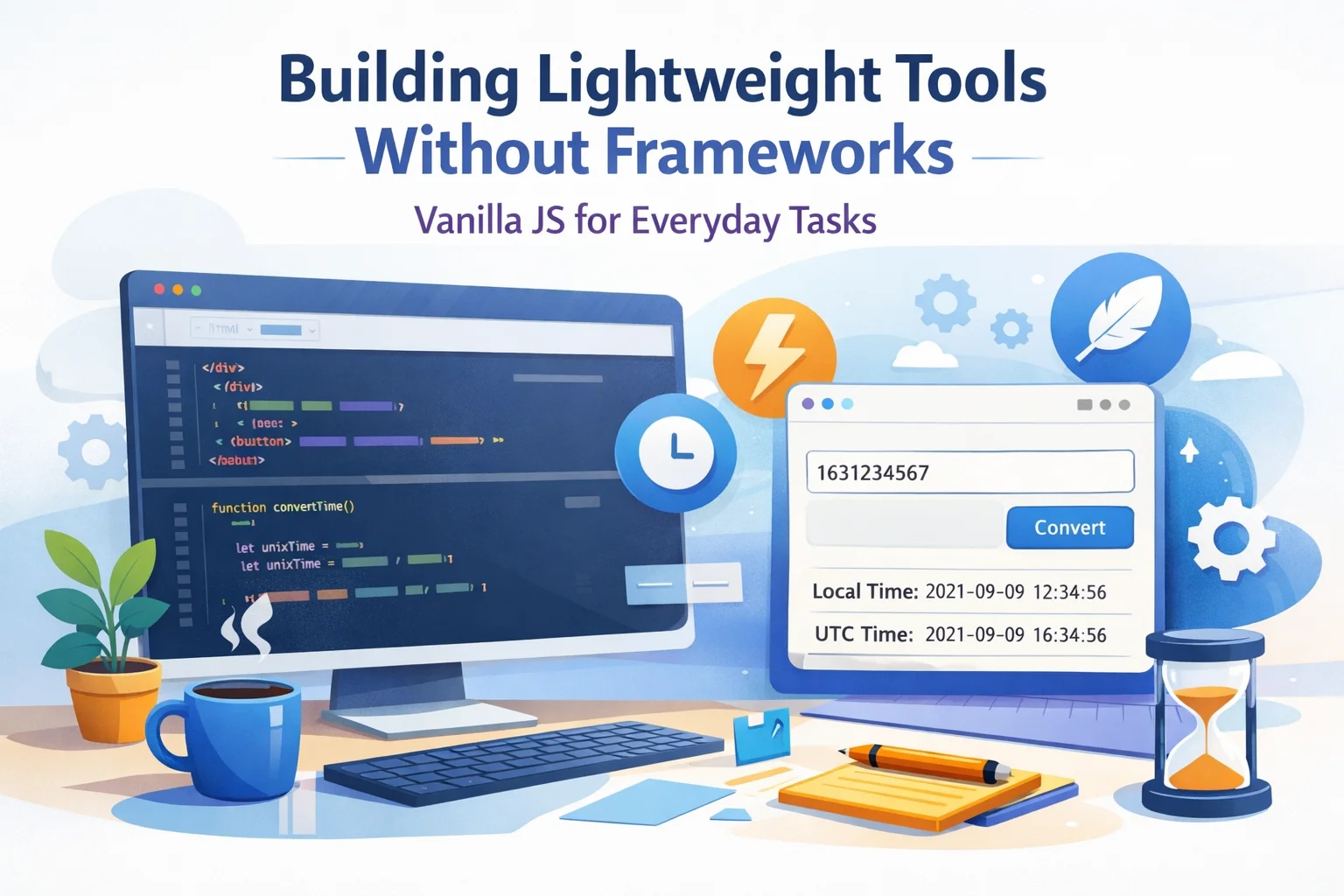
Why You Don’t Always Need a Framework
Modern frontend frameworks like React, Vue, and Angular are powerful—but they also come with:
- Larger bundle sizes
- More complexity
- Build steps and tooling overhead
- A steeper learning curve for beginners
For many everyday tools and utilities, this is overkill.
If you want to build:
- A Unix time converter
- A unit converter (meters ↔ feet, °C ↔ °F)
- A small form helper (e.g., password strength checker)
- A simple dashboard widget
…you can often do everything you need with vanilla JavaScript, a bit of HTML, and some basic styling.
This approach gives you:
- Faster load times
- Less JavaScript to ship
- Simpler codebases
- No build step – just open
index.htmlin the browser
Let’s walk through how to think about vanilla JS projects and build a lightweight tool as an example.
When Vanilla JS Is a Great Choice
You don’t have to “pick a side” between frameworks and no frameworks. Instead, think in terms of fit for purpose.
Use vanilla JavaScript when:
- Your UI is small and focused (a few components or a single page).
- You’re building one‑off tools or internal utilities.
- SEO is important and you’re fine with simple static pages.
- You want to avoid a build pipeline (webpack, Vite, etc.).
- You’re teaching or learning the fundamentals of the web.
You probably want a framework when:
- You have a large application with many views and complex state.
- There are multiple developers on the project and you need structure.
- You need complex client‑side routing and state management.
- You’re building an app that feels more like a native application than a page.
For everything else, vanilla JS is often enough—and faster to ship.
Core Building Blocks: The Only Tools You Really Need
With vanilla JS, your toolkit is simple:
- HTML – structure and content
- CSS – layout and styling (inline or separate file)
- JavaScript – behavior and interactivity
You’ll rely mainly on:
document.getElementById/querySelector- Event listeners (
addEventListener,onclick, etc.) - Basic DOM updates (
innerText,innerHTML,value) - Simple functions and modules
That’s it. No JSX, no build step, no virtual DOM.
Example: Building a Simple Time Converter in Vanilla JS
Let’s say you want to build a small Unix time converter (like the one you just built):
- Input: Unix timestamp (seconds or milliseconds)
- Output: Local time, GMT/UTC, ISO string
- A “Use current time” button
- Copy‑to‑clipboard buttons for convenience
Here’s what that looks like in plain HTML + JS (simplified for the article):
<!DOCTYPE html>
<html lang="en">
<head>
  <meta charset="UTF-8" />
  <title>Unix Time Converter</title>
</head>
<body>
  <h1>Unix Time Converter (Vanilla JS)</h1>

  <label for="unixInput">Unix timestamp (seconds or ms):</label>
  <input id="unixInput" type="text" placeholder="e.g. 1735689600" />
  <button id="convertBtn">Convert</button>
  <button id="nowBtn">Use current time</button>

  <p id="error" style="color: red; display: none;"></p>

  <p><strong>Local time:</strong> <span id="localTime">–</span></p>
  <p><strong>UTC time:</strong> <span id="utcTime">–</span></p>
  <p><strong>ISO 8601:</strong> <span id="isoTime">–</span></p>

  <script>
    function pad(num) {
      return num.toString().padStart(2, "0");
    }

    function formatLocal(date) {
      const y = date.getFullYear();
      const m = pad(date.getMonth() + 1);
      const d = pad(date.getDate());
      const hh = pad(date.getHours());
      const mm = pad(date.getMinutes());
      const ss = pad(date.getSeconds());
      return `${y}-${m}-${d} ${hh}:${mm}:${ss}`;
    }

    function formatUTC(date) {
      const y = date.getUTCFullYear();
      const m = pad(date.getUTCMonth() + 1);
      const d = pad(date.getUTCDate());
      const hh = pad(date.getUTCHours());
      const mm = pad(date.getUTCMinutes());
      const ss = pad(date.getUTCSeconds());
      return `${y}-${m}-${d} ${hh}:${mm}:${ss} UTC`;
    }

    function showError(message) {
      const el = document.getElementById("error");
      el.textContent = message;
      el.style.display = message ? "block" : "none";
    }

    function convert() {
      showError("");
      const value = document.getElementById("unixInput").value.trim();
      if (!value) {
        showError("Please enter a Unix timestamp.");
        return;
      }

      const num = Number(value);
      if (!Number.isFinite(num)) {
        showError("Invalid number. Use digits (and optionally a minus sign).");
        return;
      }

      // Simple heuristic: small values = seconds, large = milliseconds
      const ms = Math.abs(num) < 1e11 ? num * 1000 : num;
      const date = new Date(ms);
      if (isNaN(date.getTime())) {
        showError("Could not convert this value to a date.");
        return;
      }

      document.getElementById("localTime").innerText = formatLocal(date);
      document.getElementById("utcTime").innerText = formatUTC(date);
      document.getElementById("isoTime").innerText = date.toISOString();
    }

    function useNow() {
      const now = Date.now();
      const seconds = Math.floor(now / 1000);
      document.getElementById("unixInput").value = seconds.toString();
      convert();
    }

    document.getElementById("convertBtn").addEventListener("click", convert);
    document.getElementById("nowBtn").addEventListener("click", useNow);
  </script>
</body>
</html>
This page:
- Loads instantly
- Requires no build toolchain
- Works in any modern browser
- Is easy to host as a plain static file
And you didn’t need a single framework to ship it.
Performance Benefits of Skipping Frameworks
Going “framework‑free” has some natural performance advantages:
1. Smaller Bundle Size
Frameworks add tens or hundreds of kilobytes of JavaScript before your own code.
A plain JS tool can often be under 10 KB of script.
Result: faster First Contentful Paint (FCP) and Time to Interactive (TTI).
2. Less JavaScript = Less Parsing & Execution
Browsers must download, parse, and execute JavaScript.
Less JS means:
- Faster page loads on slow devices
- Better performance on mobile
- Less battery usage for users
3. Instant Deployments
Static HTML + JS can be:
- Hosted on GitHub Pages, Netlify, Vercel, or any static host
- Served from a simple CDN
- Dropped into any existing website without complex integration
SEO Advantages of Vanilla JS Tools
If you want your tools to be Google‑discoverable, vanilla JS and static HTML can actually help:
- Content is available on first load
- No need for client‑side rendering to fetch data
- Search engines see your main content immediately
- Clean, crawlable HTML
- Use proper
<h1>,<h2>,<p>, and semantic tags - Add descriptive
<title>and<meta>tags
- Use proper
- Fast page speed
- Page speed is a ranking factor (especially on mobile)
- Lightweight pages are more likely to pass Core Web Vitals
To make your tool more discoverable:
- Use a clear headline (e.g., “Unix Time Converter – Convert Epoch to Human‑Readable Date”)
- Add a helpful intro paragraph
- Include FAQ‑style content about your tool below it
- Use descriptive anchor text if you link to it from other pages
Making Vanilla JS Tools User‑Friendly
Lightweight doesn’t mean bare‑bones. You can still improve UX with simple patterns:
- Validation messages (e.g., “Please enter a valid timestamp”)
- Helpful placeholders (e.g.,
e.g. 1735689600) - Copy buttons using the Clipboard API
- Keyboard accessibility (focus states,
Entertriggers) - Mobile‑friendly layout (inputs and buttons large enough to tap)
Example: copy to clipboard in plain JS:
function copyText(text) {
  if (navigator.clipboard && navigator.clipboard.writeText) {
    navigator.clipboard.writeText(text);
  } else {
    // Fallback for older browsers
    const area = document.createElement("textarea");
    area.value = text;
    area.style.position = "fixed";
    area.style.left = "-9999px";
    document.body.appendChild(area);
    area.select();
    document.execCommand("copy");
    document.body.removeChild(area);
  }
}
You can attach this to a button and copy any output the user might want.
Patterns to Keep Your Vanilla JS Code Clean
As your tool grows, you can still keep things tidy without a framework:
- Use small, named functions
convertFromUnix(),setNow(),showError()- Easier to test and reuse
- Group related DOM lookups at the top of your script
const unixInput = document.getElementById("unixInput"); const localTimeSpan = document.getElementById("localTime"); const errorBox = document.getElementById("error"); - Avoid inline JavaScript in HTML (
onclick="")- Use
addEventListenerinstead - Keeps HTML and JS cleaner
- Use
- Consider simple modules if your code gets larger
- Split into multiple
.jsfiles and use ES modules (type="module")
- Split into multiple
You still get structure and maintainability—without needing a full framework.
Conclusion: Vanilla JS Is Still Extremely Powerful
You don’t need React or Vue to build:
- Time converters
- Calculators
- Small admin helpers
- Form tools
- Internal dashboards for small teams
For these everyday tasks, vanilla JavaScript is:
- Faster to load
- Easier to host
- Simpler to understand
- More than powerful enough
Start small: pick one utility you often use (or wish existed), build it with just HTML, CSS, and JS, and deploy it as a static page. You might be surprised how far you can go without any framework at all.
FAQ: Building Lightweight Tools with Vanilla JavaScript
1. Is vanilla JavaScript enough for real projects?
Yes. Many production sites use plain JS for widgets, calculators, forms, and landing pages. Frameworks are great for complex apps, but not required for every project.
2. When should I choose a framework instead?
Choose a framework when you have many screens, complex state, lots of components, or multiple developers needing a shared structure.
3. Is vanilla JS better for SEO than frameworks?
It can be. Static HTML with minimal JavaScript is easier for search engines to crawl and often faster, which helps with SEO and Core Web Vitals.
4. Can I start with vanilla JS and later move to a framework?
Absolutely. You can prototype with plain JS and later refactor parts of the UI into a framework if the project grows.
5. Do I need a build step for vanilla JS projects?
No. You can run them as simple static files. If you later add TypeScript or bundling, that’s optional—not required.
Optional: FAQ Schema (JSON‑LD)
You can add this inside your <head> for better chances of rich results:
<script type="application/ld+json">
{
  "@context": "https://schema.org",
  "@type": "FAQPage",
  "mainEntity": [
    {
      "@type": "Question",
      "name": "Is vanilla JavaScript enough for real projects?",
      "acceptedAnswer": {
        "@type": "Answer",
        "text": "Yes. Many production sites use plain JavaScript for widgets, calculators, forms, and landing pages. Frameworks are great for complex apps, but not required for every project."
      }
    },
    {
      "@type": "Question",
      "name": "When should I choose a framework instead of vanilla JS?",
      "acceptedAnswer": {
        "@type": "Answer",
        "text": "Choose a framework when you have many screens, complex state, lots of components, or multiple developers needing a shared structure."
      }
    },
    {
      "@type": "Question",
      "name": "Is vanilla JavaScript better for SEO than frameworks?",
      "acceptedAnswer": {
        "@type": "Answer",
        "text": "It can be. Static HTML with minimal JavaScript is easier for search engines to crawl and often faster, which helps with SEO and Core Web Vitals."
      }
    }
  ]
}
</script>
If you want, I can now help you adapt this article to match your personal tone or convert it into Markdown tailored for your specific blogging platform (WordPress, Hashnode, Dev.to, etc.).